Pinterest Ads Complete Guide: Visual Advertising That Drives Purchase Intent
What is Pinterest Ads?
Pinterest Ads (also called Promoted Pins) is the advertising platform for Pinterest — a visual discovery engine used by over 500 million monthly active users worldwide. Pinterest is unique because it sits at the intersection of social media and search: users come to Pinterest specifically to discover ideas, plan purchases, and find products.
This makes Pinterest one of the most powerful platforms for reaching consumers with high purchase intent.
Why Pinterest Ads for Your Business?
Pinterest users have a fundamentally different mindset than users on other social platforms:
- Planning mindset — 97% of searches on Pinterest are unbranded (users are open to new brands)
- High purchase intent — 83% of weekly Pinners have made a purchase based on content they saw from brands
- Longer content lifespan — Pins can drive traffic for months or years (unlike Facebook/Instagram posts)
- Affluent audience — Pinterest users have 40% higher household income than other social platforms
- Visual discovery — perfect for products in fashion, home, food, beauty, travel, and lifestyle
Pinterest Ads are especially effective for:
- E-commerce businesses
- Home decor and furniture
- Fashion and apparel
- Food and recipes
- Beauty and personal care
- Travel and tourism
- Wedding and events
Pinterest Ad Formats
Standard Pins (Image Ads)
Static image ads that appear in the home feed, search results, and related pins. The most common Pinterest ad format.
- Best ratio: 2:3 (1000 x 1500 pixels)
- Headline: up to 100 characters
- Clean, bright images with minimal text overlay perform best
Video Pins
Autoplay video ads in the Pinterest feed. Outperform standard pins for awareness and engagement.
- Recommended duration: 6-15 seconds
- Format: Square (1:1) or vertical (2:3)
- Design for sound-off viewing with captions
Shopping Ads
Product catalog ads that show your product image, name, and price directly in search results. Linked to your product catalog.
- Show up when users search for related products
- Enable dynamic retargeting to reach past website visitors
- Best for e-commerce businesses with product catalogs
Collection Ads
A large hero image or video with 3 secondary images below. When users tap, they see a full-screen browsable experience with multiple products.
- Great for showcasing product collections
- Drives higher purchase consideration
Carousel Ads
Multiple images or videos in a single ad that users can swipe through. Ideal for telling a story or showing multiple product angles.
Setting Up Pinterest Ads
Step 1: Create a Pinterest Business Account
Go to business.pinterest.com and convert your personal account or create a new business account.
Step 2: Install Pinterest Tag
The Pinterest Tag tracks user actions on your website:
- Page visits
- Search events
- Add to cart
- Checkouts
- Custom events
Essential for conversion tracking and building retargeting audiences.
Step 3: Claim Your Website
Verify your website with Pinterest to enable analytics tracking and improve ad performance.
Step 4: Set Up Product Catalog (for Shopping Ads)
Connect your product catalog via:
- Direct upload (CSV feed)
- Shopping platform integrations (Shopify, WooCommerce, etc.)
- Pinterest Shopping API
Step 5: Create Your Campaign
Choose your objective:
- Brand awareness — maximize impressions
- Video views — optimize for video watches
- Consideration — drive traffic to your website
- Conversions — optimize for purchases, leads, sign-ups
- Catalog sales — promote products from your catalog
Pinterest Audience Targeting
Keyword Targeting
Target users based on the terms they search for on Pinterest. This is Pinterest’s most powerful targeting method and captures genuine purchase intent.
Focus on:
- Category keywords (“home office decor”)
- Specific product keywords (“white standing desk”)
- Inspirational keywords (“minimalist bedroom ideas”)
Interest Targeting
Target users based on their interests and the boards they follow. Pinterest has hundreds of interest categories.
Audience Targeting
- Customer lists — upload email or mobile ad IDs
- Website visitors — retarget via Pinterest Tag
- Engagement audiences — people who engaged with your Pins
- Actalike audiences — Pinterest’s version of lookalike audiences
Demographic Targeting
- Age, gender, location, language
- Device (desktop vs. mobile)
Creating High-Performing Pinterest Ad Creatives
Visual Design Best Practices
- Vertical format (2:3 ratio) — takes up more feed space
- Bright, clean imagery — Pinterest users prefer aspirational visuals
- Show the product in context — lifestyle images outperform plain product shots
- Use text overlay — add a headline or key benefit on the image
- Consistent branding — include your logo subtly
Pin Description Best Practices
- Use relevant keywords naturally in your description
- Write 150-300 characters for the description
- Describe the product and its benefits
- Include a clear call-to-action
- Add relevant hashtags (5-10 max)
Colors That Perform Best on Pinterest
- Warm tones (orange, red, pink) tend to outperform cool tones
- High contrast images get more clicks
- Multiple colors in a single image can increase repins by 3.25x
Pinterest Ads Bidding
Automatic Bidding
Pinterest automatically sets your bids to get the most results at the lowest cost. Recommended for new campaigns.
Custom Bidding
Set your own maximum bid per result. Use when you want more control over costs.
Budget recommendations:
- Minimum daily budget: $1
- Recommended for meaningful data: $30-$50/day
- CPM typically ranges from $2-$10
Real Pinterest Ads Results
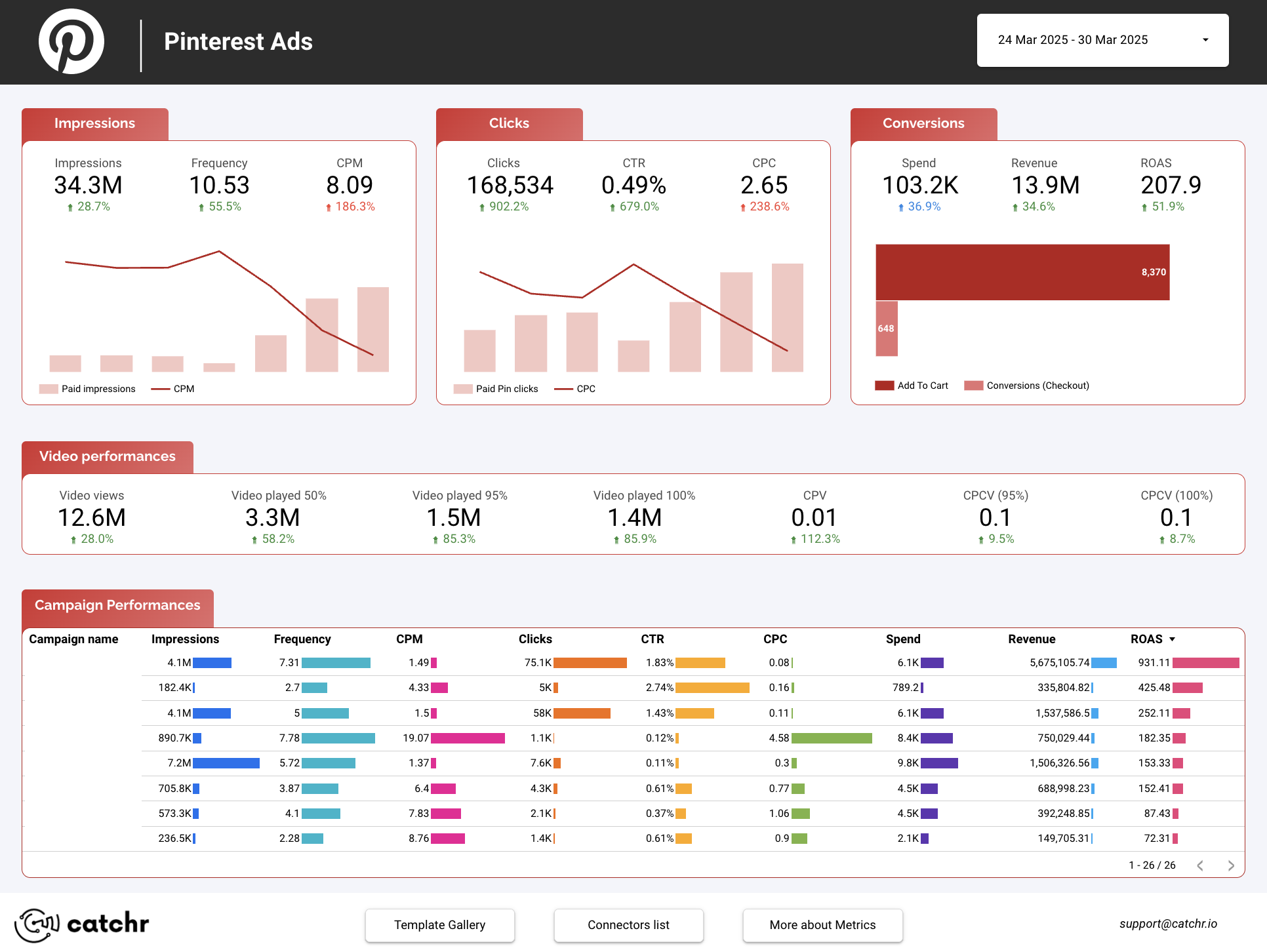

Pinterest Ads benchmarks:
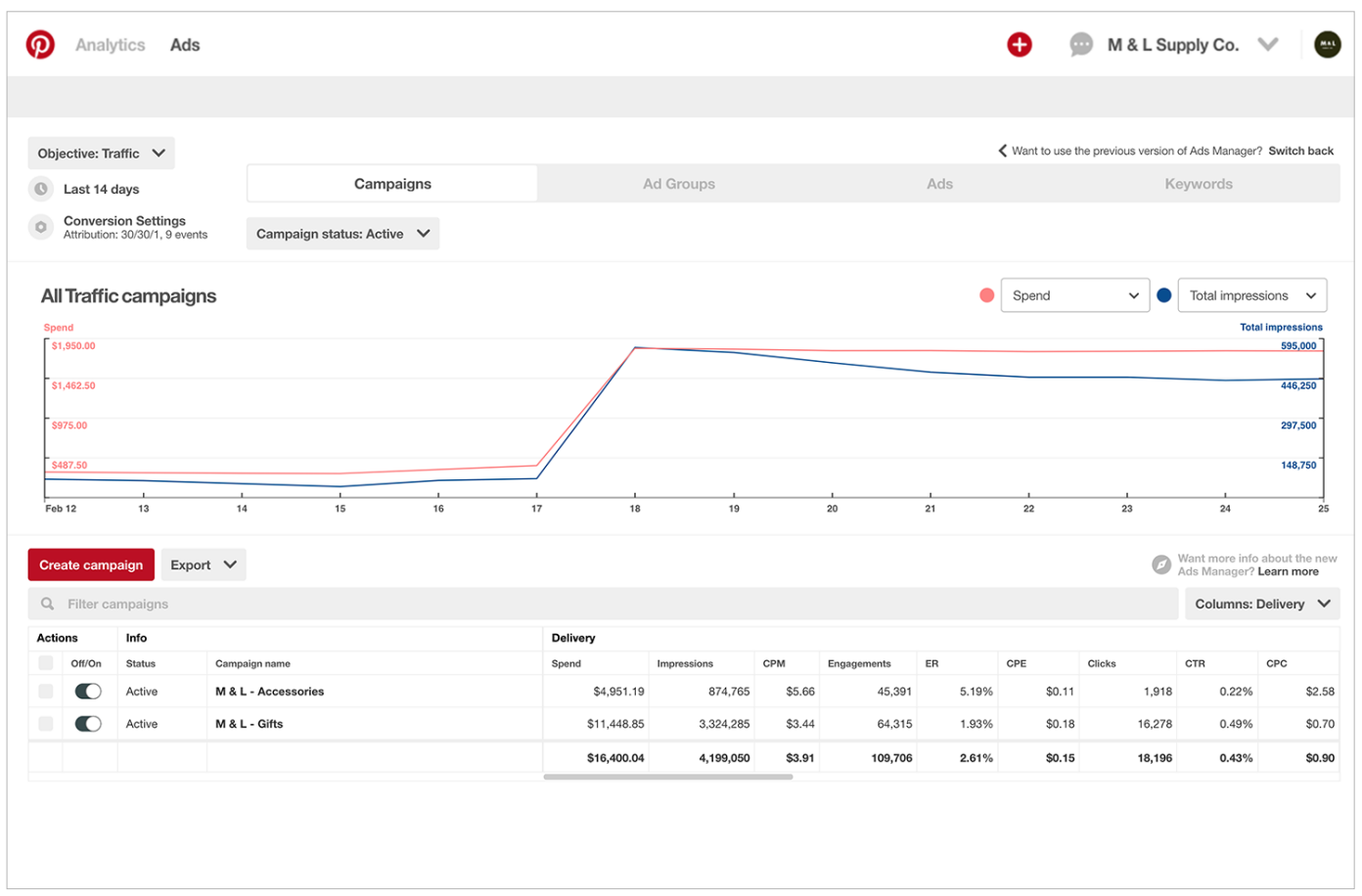
- Average CTR: 0.3-1.5%
- Average CPM: $2-$8
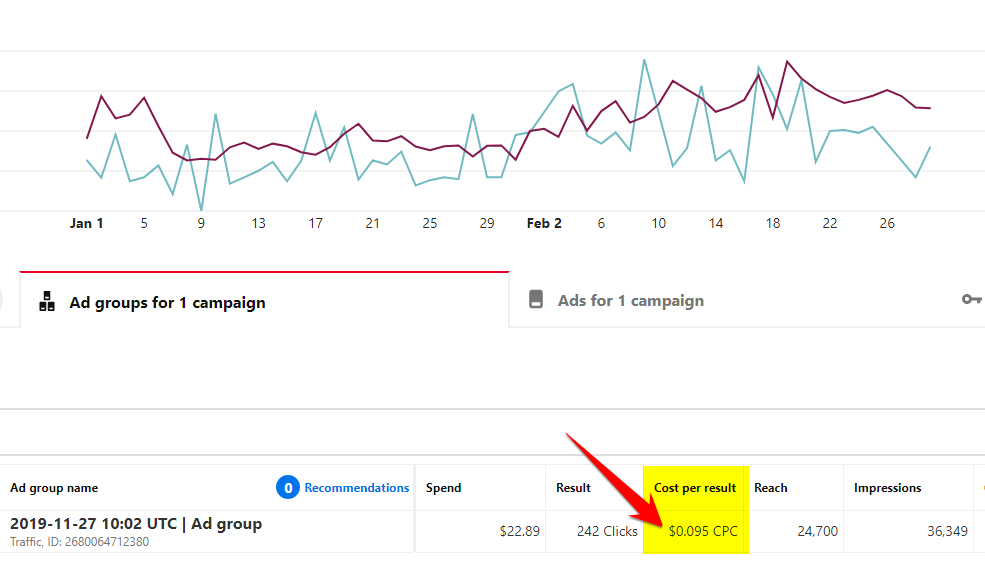
- Average CPC: $0.10-$1.50
- Pins can continue driving traffic organically long after campaign ends
Pinterest Ads Optimization Strategy
Seasonal Planning
Pinterest users plan ahead — often 2-3 months before holidays and events. Start your seasonal campaigns early:
- Back-to-school: Start in June/July
- Holiday season: Start in September/October
- Valentine’s Day: Start in January
Keywords as Primary Targeting
Unlike other platforms, keyword targeting on Pinterest captures real search intent. Start with 25-50 relevant keywords per ad group, then optimize based on performance.
Creative Testing
- Test different image styles (lifestyle vs. product-only)
- Test different aspect ratios
- Test with and without text overlay
- Test different CTA texts
Retargeting Sequences
- Awareness — target keyword searchers with brand/product education
- Consideration — retarget Pinterest engagers with product details
- Conversion — retarget website visitors with direct purchase CTA
Common Pinterest Ads Mistakes
- Square images — vertical 2:3 images take up significantly more feed space
- Ignoring keywords — missing Pinterest’s most powerful targeting method
- Too much text on images — Pinterest users come for visual inspiration
- Not setting up Pinterest Tag — losing conversion data and retargeting ability
- Stopping too early — Pinterest campaigns often improve significantly over time
- Not using Shopping Ads for e-commerce — missing the highest-intent ad format
Conclusion
Pinterest Ads is an underutilized advertising platform that offers exceptional value for businesses in visual product categories. The platform’s unique combination of search-intent targeting and visual discovery creates opportunities that neither Google nor Meta can replicate. Brands that commit to Pinterest’s visual-first content strategy and leverage keyword targeting effectively consistently achieve strong ROAS and sustainable organic reach.
Ready to grow your business with Pinterest Ads? Get in touch for a free strategy consultation.
Related Post
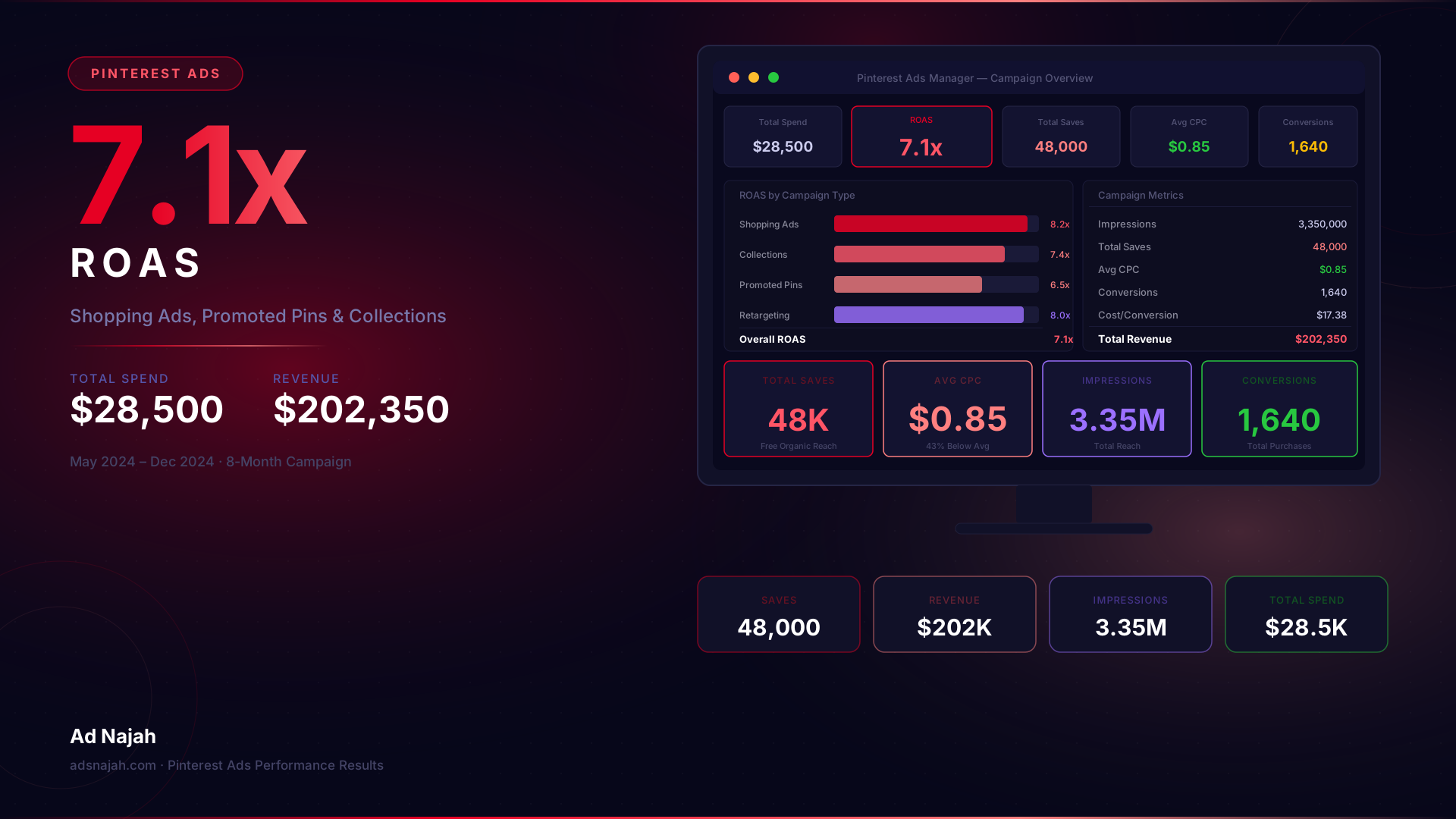
Pinterest Ad...
Jun 20, 2024 04:00:00
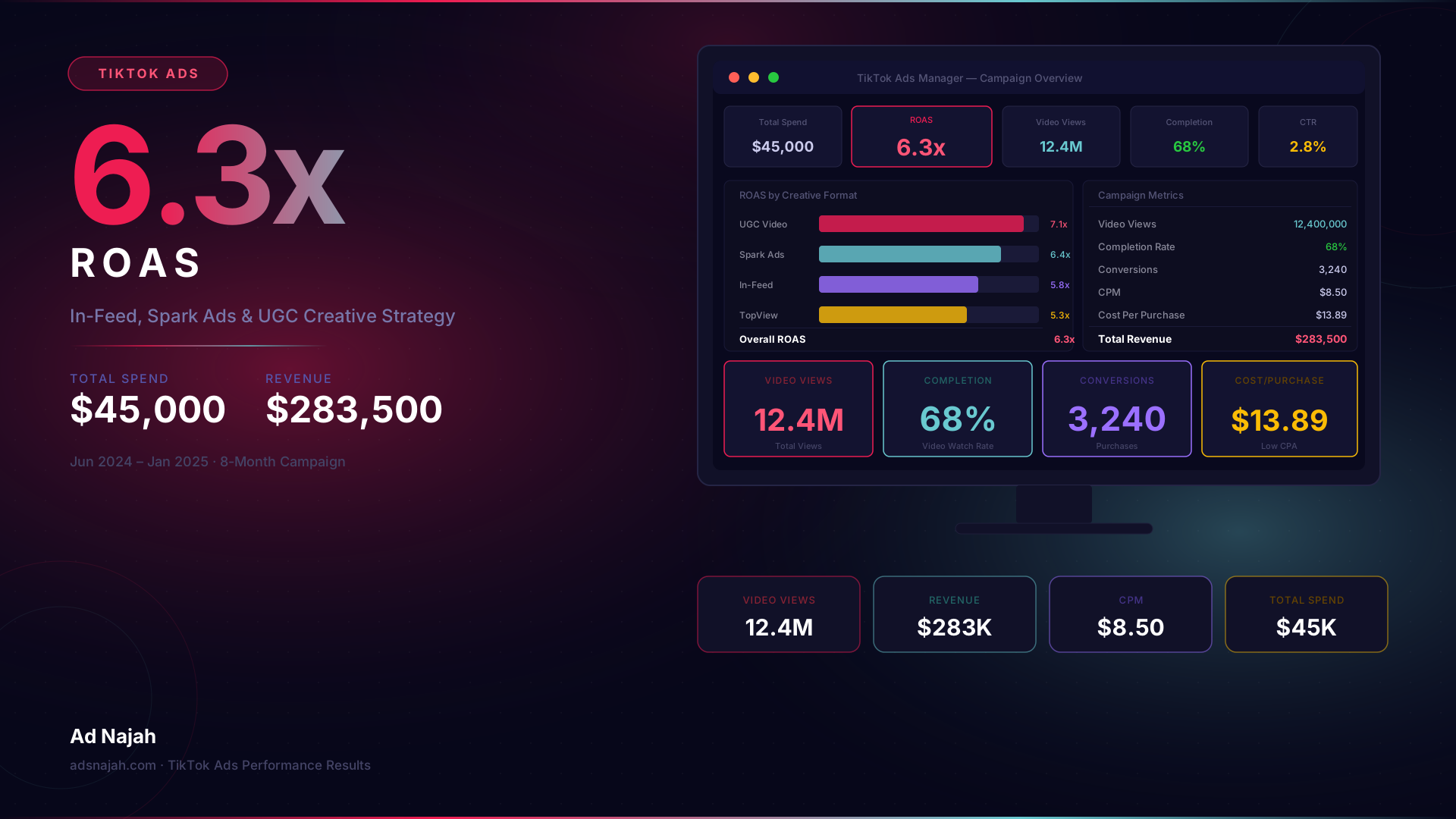
TikTok Ads C...
Jun 15, 2024 04:00:00
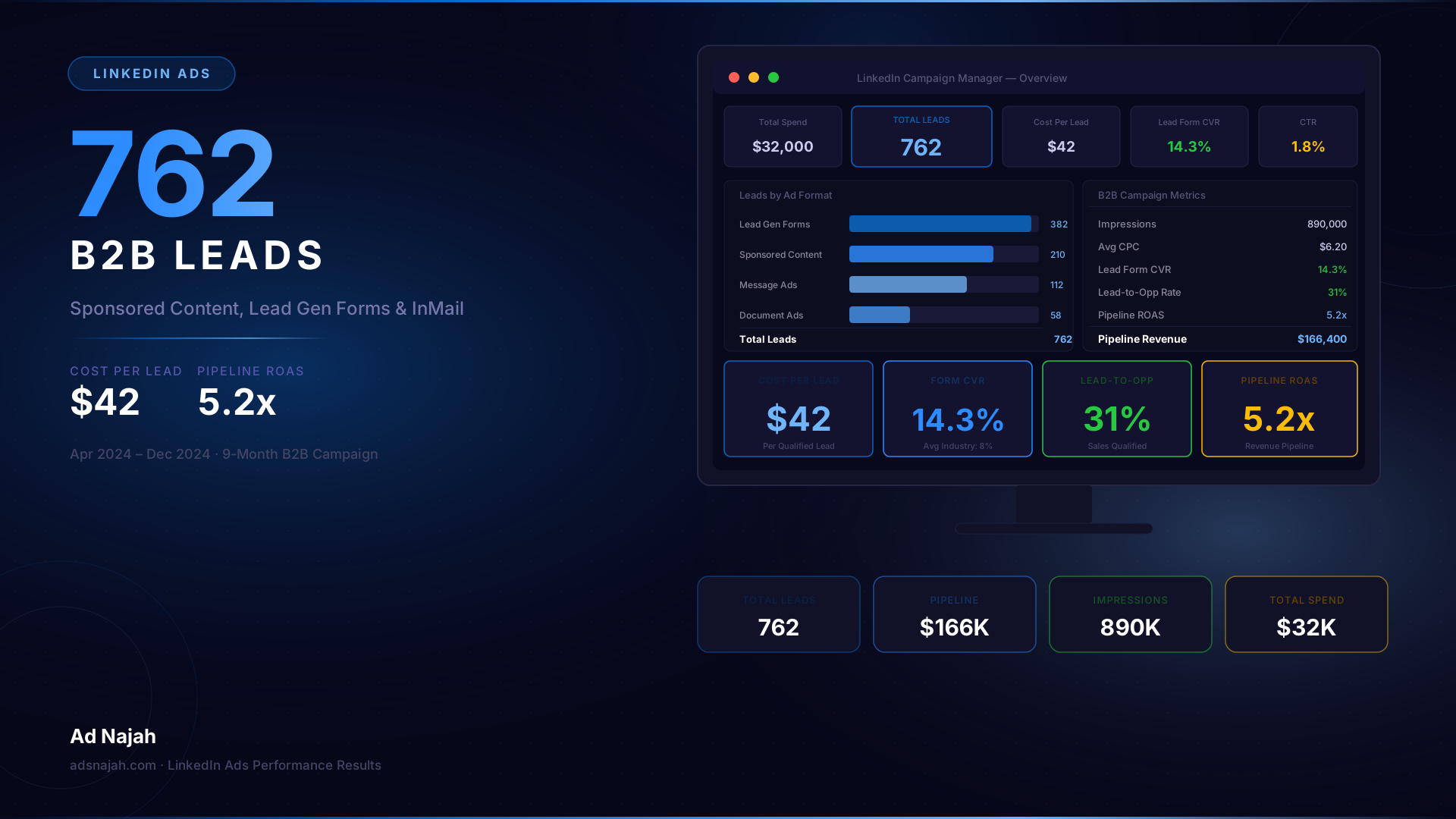
LinkedIn Ads...
Jun 10, 2024 04:00:00
Meta Ads Com...
Jun 5, 2024 04:00:00
Google Ads C...
Jun 1, 2024 04:00:00